
The ultimate interactive Snake game for Discord

Click any image to see it in larger view. Close it by clicking outside the image or on the close button
Invite the bot to your server and use the following command to begin the game:
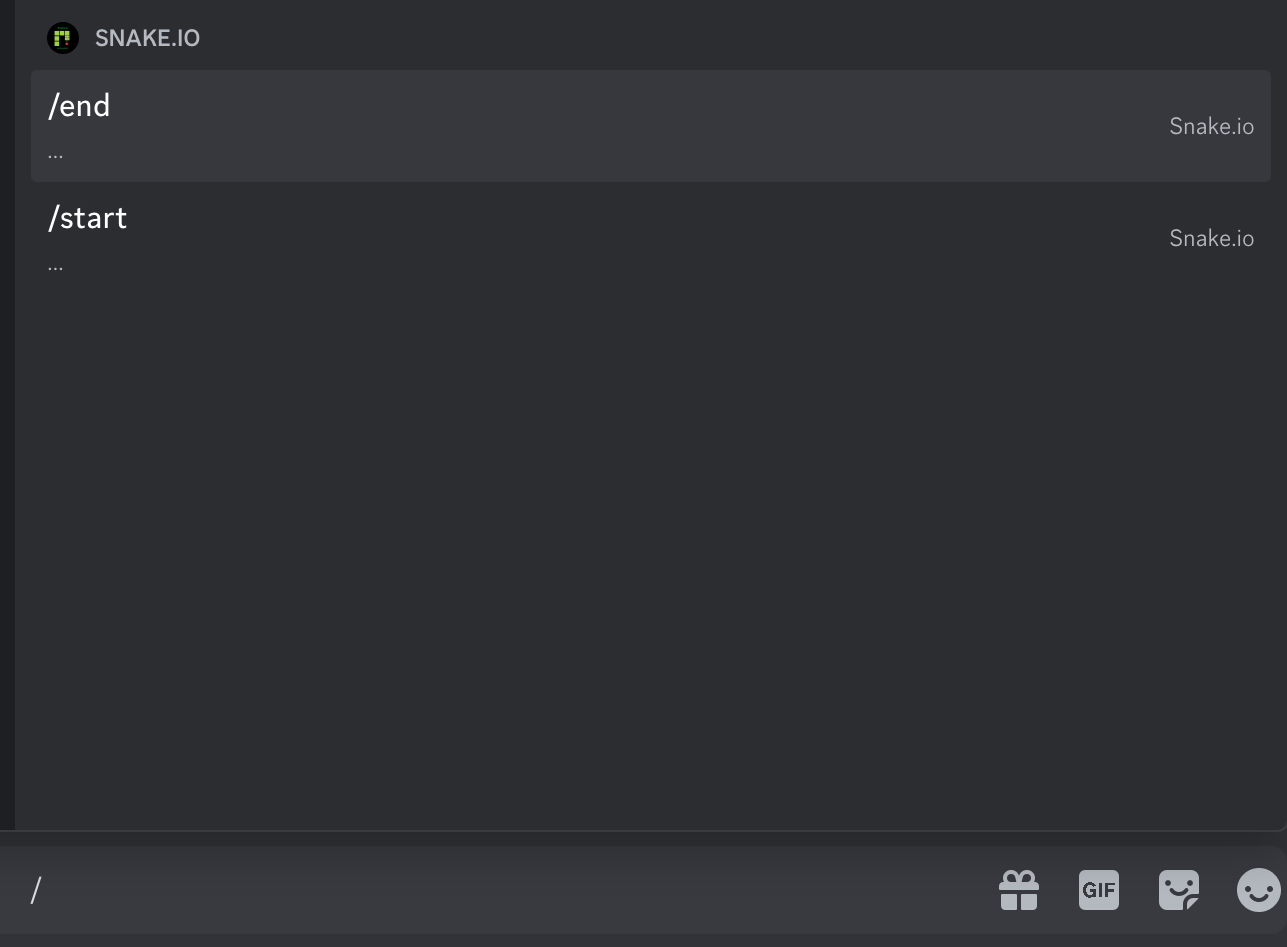
/start
The bot will start the Snake game and you can select the difficulty level.

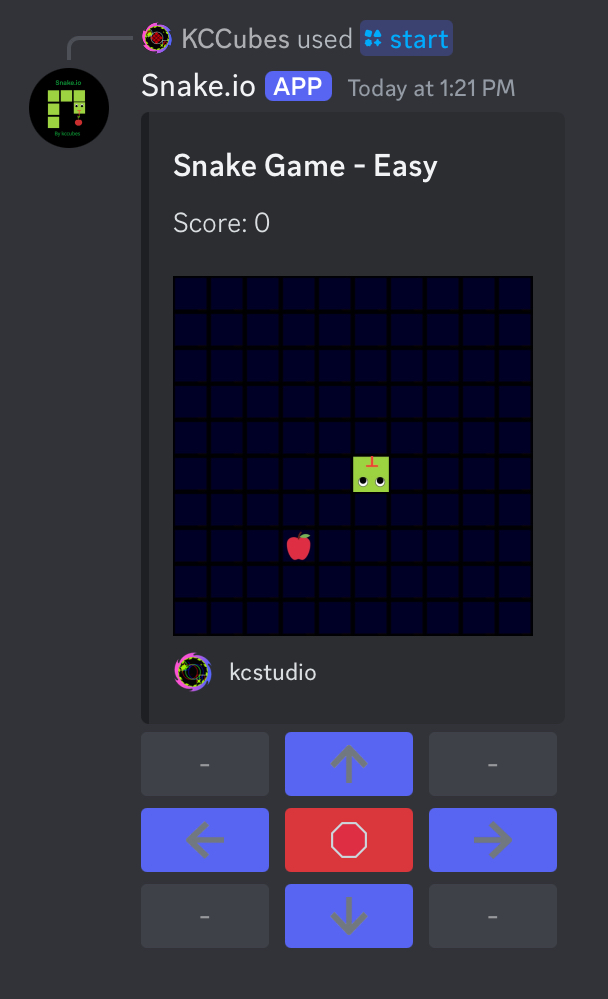
Control the snake to eat apples and grow longer. Avoid hitting blocks or yourself—it's game over!
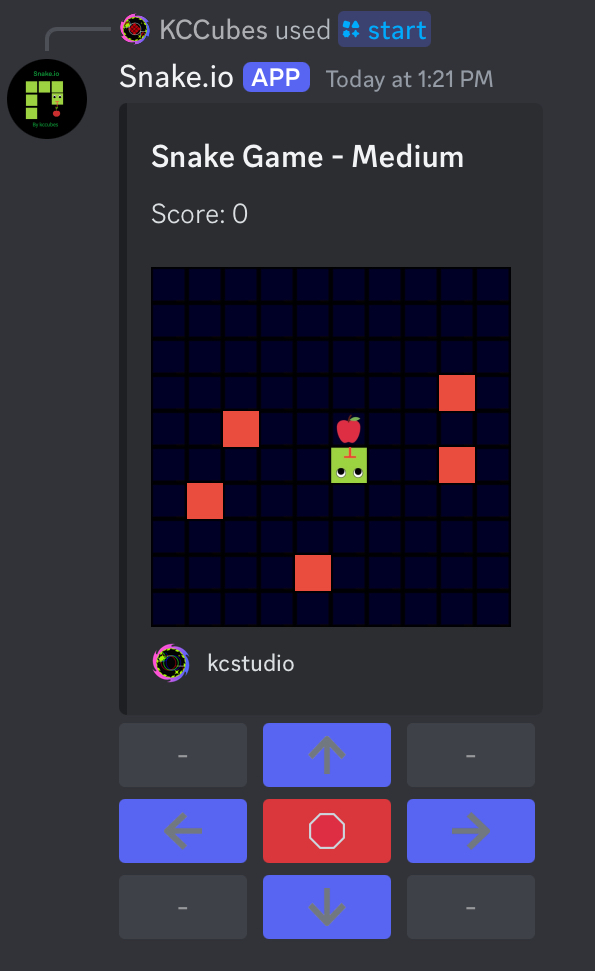
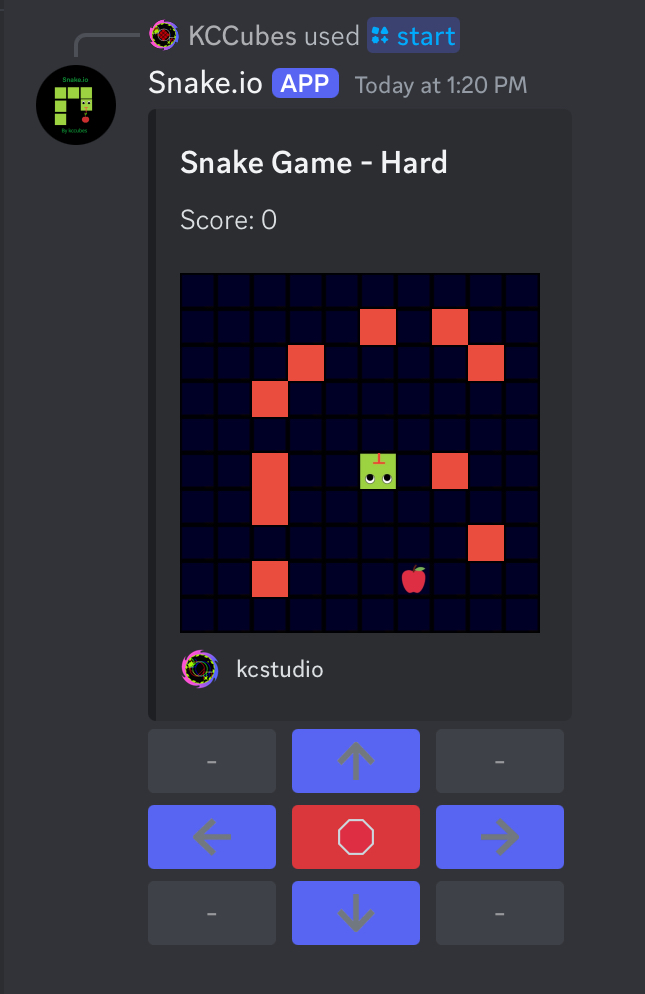
The difficulty affects the number of blocks on the grid:
In "Easy" mode, there are no blocks, perfect for beginners.
In "Medium" mode, there are 5 blocks scattered around for users to avoid crashing into and gives a real challenge
In "Hard" mode, there are 9 blocks and makes it hard for users to collect apple
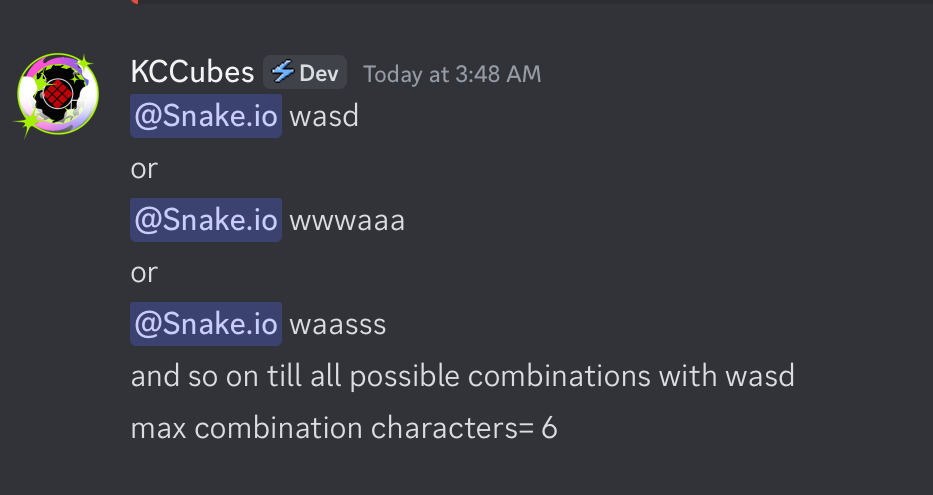
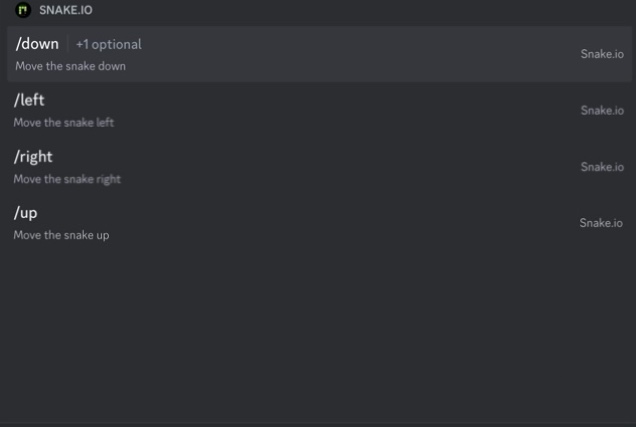
You can control the snake using either the on-screen movement buttons, slash commands, or the WASD keys.
Use these controls to navigate the snake, eat apples, and avoid obstacles!
To win, you need to complete the required score based on the game mode you choose:
Reaching the max snake length is the ultimate challenge—can you do it?
Q: Can I play with friends?
A: The game is designed for single-player, but you can compare your scores with others!
Q: How do I stop a game?
A: Use the /end command to end the current game or you can crash the snake into obstacle blocks or into borders or into self